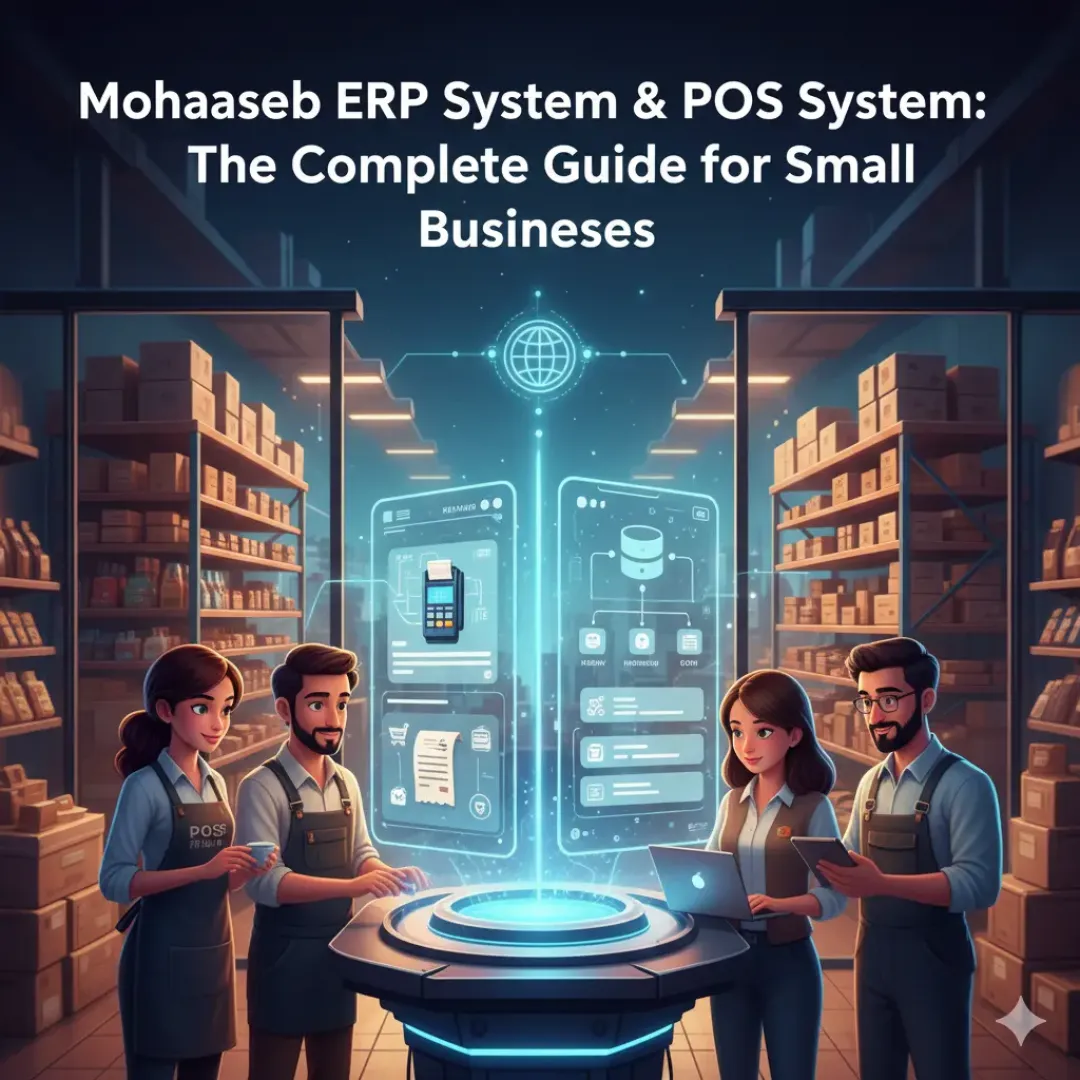
Choosing the right tools for daily operations is one of the fastest ways to unlock growth. If you are running a store, restaurant, pharmacy, or wholesale business, you already know how hard it is to keep inventory accurate, invoices organized, and reports ready when you need them. That is why many teams look for one connected platform that handles mohaaseb accounting, a reliable pos system, and a flexible erp system in a single workflow. In this guide, we will focus on practical steps to improve inventory managment (and inventory management in general), strengthen stock management, simplify invoicing, and generate smart and large reports for better decisions.
- Why ERP and POS Should Work Together
- Inventory Accuracy: The Real Profit Driver
- Invoicing and Accounting with Less Manual Work
- Reports That Help You Act (Smart and Large Reports)
- Implementation Checklist for Fast Results
Why ERP and POS Should Work Together
A POS handles the customer-facing part of the business: scanning items, applying discounts, accepting payments, and printing receipts. ERP covers the back office: purchasing, inventory, cost tracking, approvals, and financial reporting. When the pos system and erp system are disconnected, teams waste time exporting data, reconciling numbers, and correcting mistakes. When they are connected, one sale updates stock, revenue, and customer records immediately. That is the core promise of a connected platform like mohaaseb: fewer gaps, fewer surprises, and faster decisions.
Inventory Accuracy: The Real Profit Driver
Inventory errors are expensive. A stockout loses a sale and frustrates customers. Overstock ties up cash and increases waste. Strong stock management starts with accurate item setup (SKU, barcode, cost, selling price, taxes) and consistent transaction workflows.
For better inventory management, focus on:
- Real-time stock updates: every sale, return, purchase, and adjustment changes quantities immediately.
- Cost awareness: track cost changes and margins so you can price correctly and protect profitability.
- Multi-location visibility: know what is available in each branch or warehouse before promising delivery.
- Transfers and adjustments: log stock transfers and damages to keep quantities trustworthy.
When the platform supports accurate inventory, your team can stop guessing and start planning. That is where an erp system adds value: it makes inventory a controlled process instead of a manual habit.
Invoicing and Accounting with Less Manual Work
Manual invoicing is slow and often inconsistent. A smart workflow generates invoices automatically from sales, creates clear customer statements, and keeps accounting synchronized. With mohaaseb you want invoicing that matches your reality: different payment methods, refunds, partial payments, and tax rules.
Practical invoicing improvements include:
- Standardized invoice templates: consistent branding and legal fields.
- Fast checkout invoices: POS generates the invoice without extra typing.
- Supplier purchase invoices: purchasing creates accurate cost records and inventory entries.
- Audit-friendly history: keep a trail of edits, returns, and approvals.
The result is less time reconciling totals and more confidence in your books. That is the advantage of connecting invoicing to inventory and sales: you cannot “forget” a movement because the system records it as part of the workflow.
Reports That Help You Act (Smart and Large Reports)
Businesses do not need more reports; they need better reports. The goal of smart and large reports is to answer operational questions quickly: What is selling today? What is the best margin category? Which items are expiring soon? Which branch is underperforming? An integrated mohaaseb dashboard should provide sales reports, inventory movement reports, profitability by item, and purchasing trends.
High-impact reports to prioritize:
- Top sellers and slow movers: improve purchasing and reduce dead stock.
- Gross margin by product: protect pricing strategy and promotions.
- Stock valuation: understand cash tied in inventory.
- Cash and payment method breakdown: catch reconciliation issues early.
- Supplier performance: track lead times and price changes.
Implementation Checklist for Fast Results
To get results quickly with a mohaaseb-based setup, follow a simple rollout:
- Clean product data: names, barcodes, units, and tax settings.
- Train one workflow: sales, refunds, purchases, and stock adjustments.
- Define permissions: cashiers, managers, and accountants should have appropriate access.
- Use weekly reporting: review sales, margins, and inventory accuracy regularly.
- Document exceptions: damages, transfers, and returns must be recorded consistently.
With the right setup, an integrated pos system and erp system becomes more than software. It becomes the operating system of your business: tighter inventory control, faster invoicing, and reliable reporting that helps you grow with confidence.