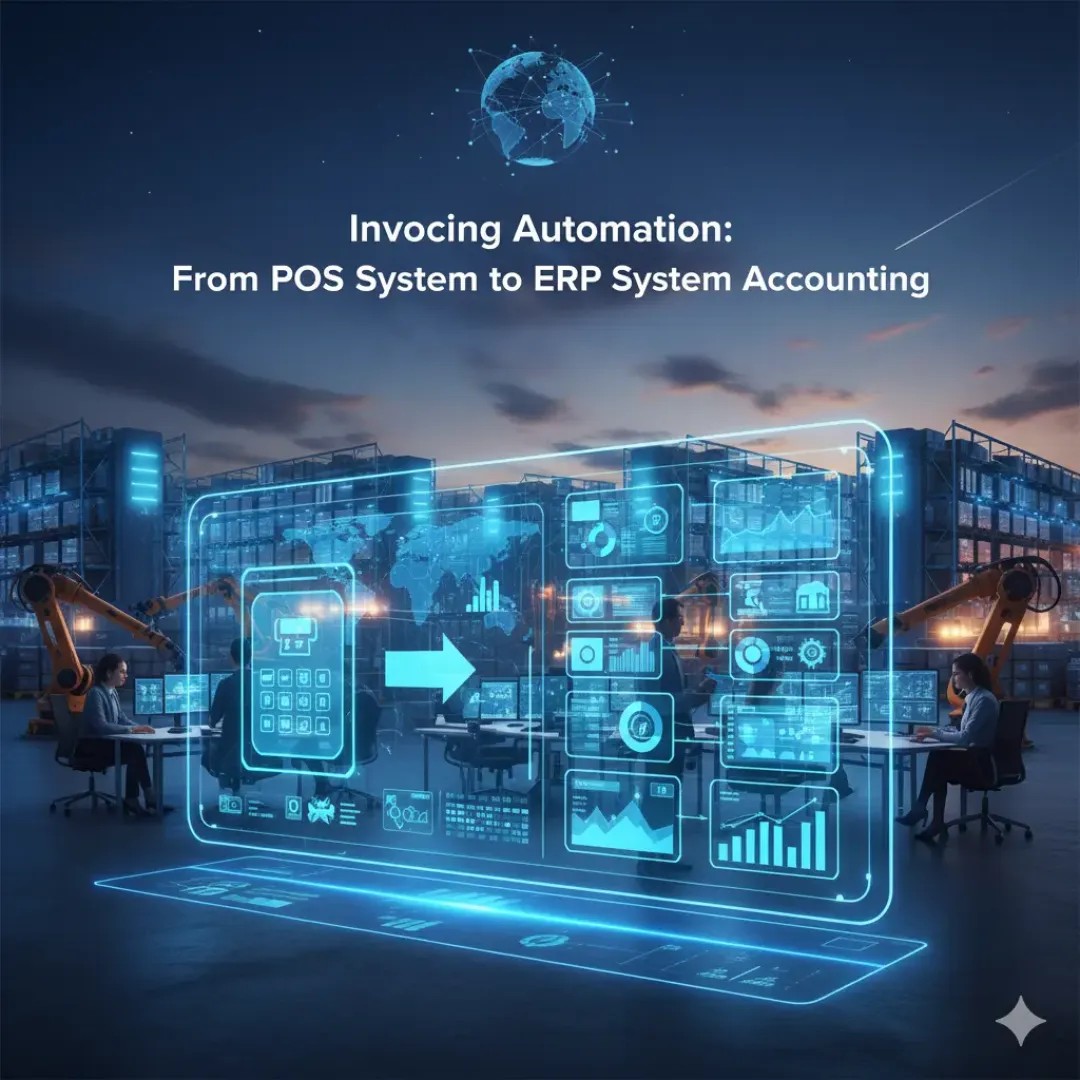
In many businesses, invoicing is the hidden bottleneck. Sales happen quickly at the counter, but invoices, payments, returns, and accounting updates often lag behind. That gap creates mistakes: missing revenue, wrong taxes, incorrect inventory, and confusing cash reconciliation. A connected platform like mohaaseb helps eliminate these gaps by linking the pos system directly to the erp system. When done correctly, invoicing becomes a natural result of the sale, and your inventory managment, stock management, and smart and large reports become accurate by default.
Keywords: mohaaseb, pos system, erp system, inventory managment, stock management, invoicing, smart and large reports.
- Why Invoicing Automation Matters
- How a Sale Should Flow Through the System
- Handling Returns, Discounts, and Partial Payments
- What to Report for Clean Books
- Practical Setup Tips
Why Invoicing Automation Matters
Manual invoicing creates three types of risk. First, it is slow: the more transactions you have, the more time your team spends copying numbers. Second, it is error-prone: a single wrong item, tax code, or price can distort profitability. Third, it breaks trust in data: if staff stop believing reports, they stop using them. By automating invoicing through a connected ERP POS, each transaction becomes a consistent record that updates inventory and accounting immediately.
How a Sale Should Flow Through the System
A strong workflow is simple and consistent. At checkout, the pos system captures items, quantities, discounts, taxes, and payment method. Immediately, the system should:
- Create the invoice and receipt
- Reduce inventory quantities (supporting stock management)
- Record revenue, tax, and payment method in accounting
- Update customer balance if credit is used
- Make the transaction visible in dashboards and reports
When the erp system and POS are connected, your inventory managment is no longer separate from finance. You sell an item, and the system knows the stock left, the cash received, and the tax owed.
Handling Returns, Discounts, and Partial Payments
Real operations are messy: customers return items, staff apply discounts, and some payments are split between cash and card. The difference between a good system and a frustrating one is how it handles these exceptions without manual work.
- Returns: return invoices should restore stock or record a write-off for damaged items, with a reason.
- Discount controls: managers should approve large discounts to protect margins.
- Split payments: the invoice should store payment breakdown for accurate cash reconciliation.
- Partial payments: track what is paid and what remains, especially in B2B invoicing.
These controls improve stock management because inventory movements stay aligned with financial records. They also improve customer experience, because staff can resolve issues quickly without calling accountants.
What to Report for Clean Books
Automation is only valuable if it produces reliable reporting. Your goal is smart and large reports that can handle thousands of invoices and still answer simple questions fast. Focus on reporting that supports daily operations and monthly close.
- Daily sales summary: revenue, tax, discounts, returns, and net sales.
- Payment method breakdown: cash vs card vs wallet, to reconcile quickly.
- Invoice aging: outstanding balances for customers on credit.
- Profitability reports: margin by product and category.
- Inventory movement reports: sales-driven stock reduction vs adjustments.
Practical Setup Tips
To get invoicing automation right, set up the foundation carefully:
- Configure taxes, invoice numbering, and receipt templates.
- Ensure products have correct barcodes, units, and cost prices.
- Define roles: cashiers, supervisors, and accountants with proper permissions.
- Train staff on returns and corrections—no “silent fixes.”
- Review reports weekly to catch issues early.
When implemented well, mohaaseb turns invoicing into a reliable system output. That reliability is what keeps inventory managment accurate, stock management disciplined, and your business ready to scale.