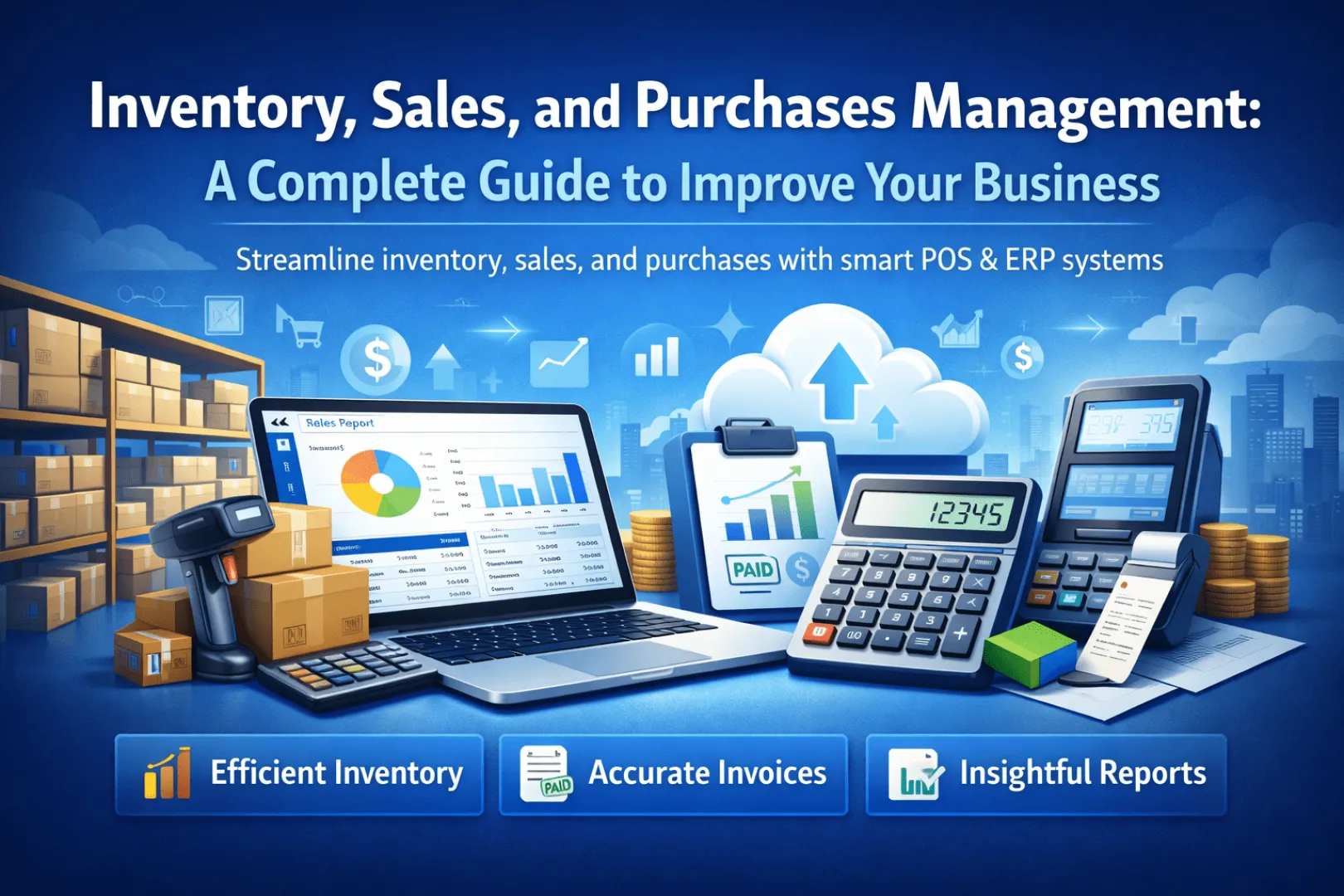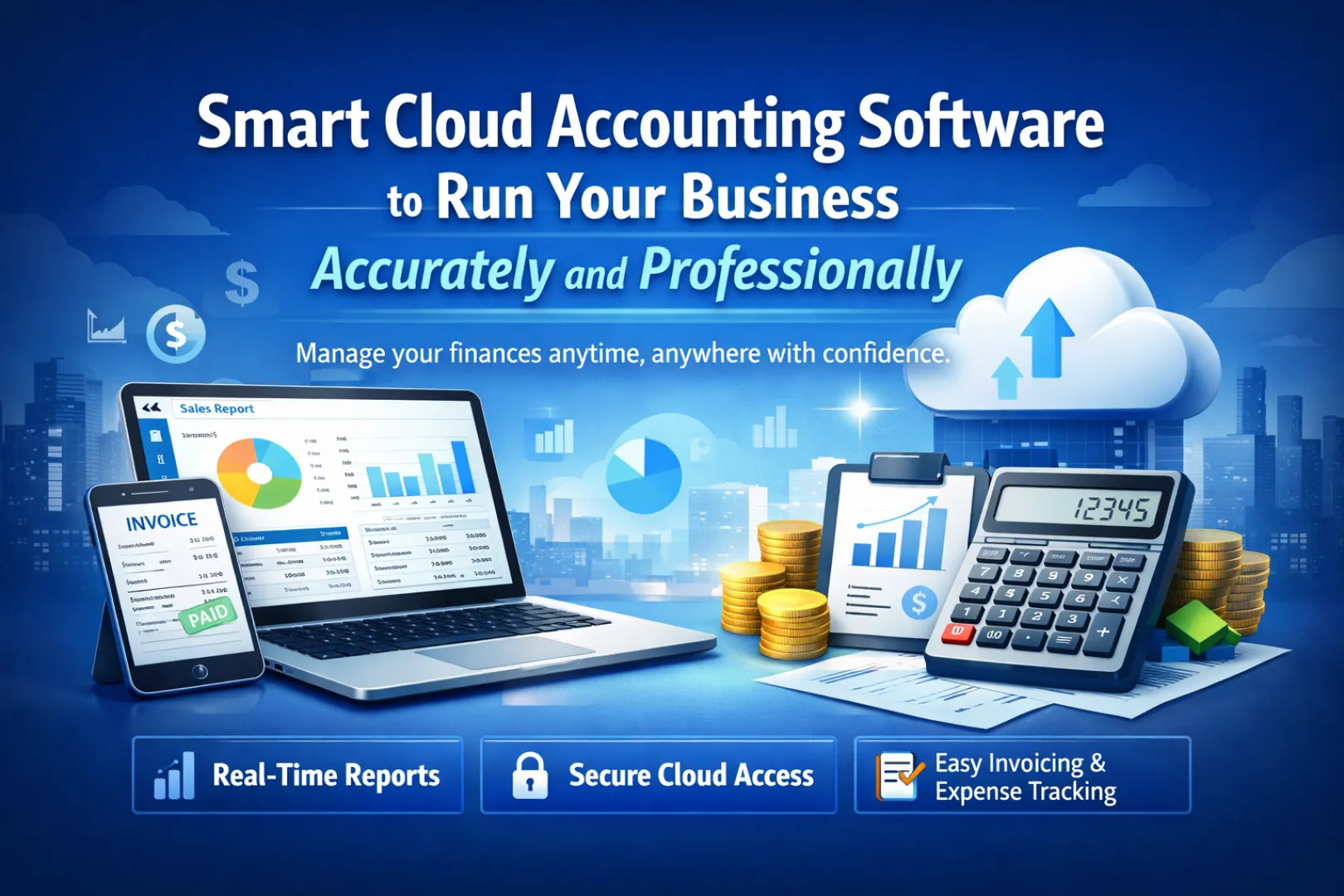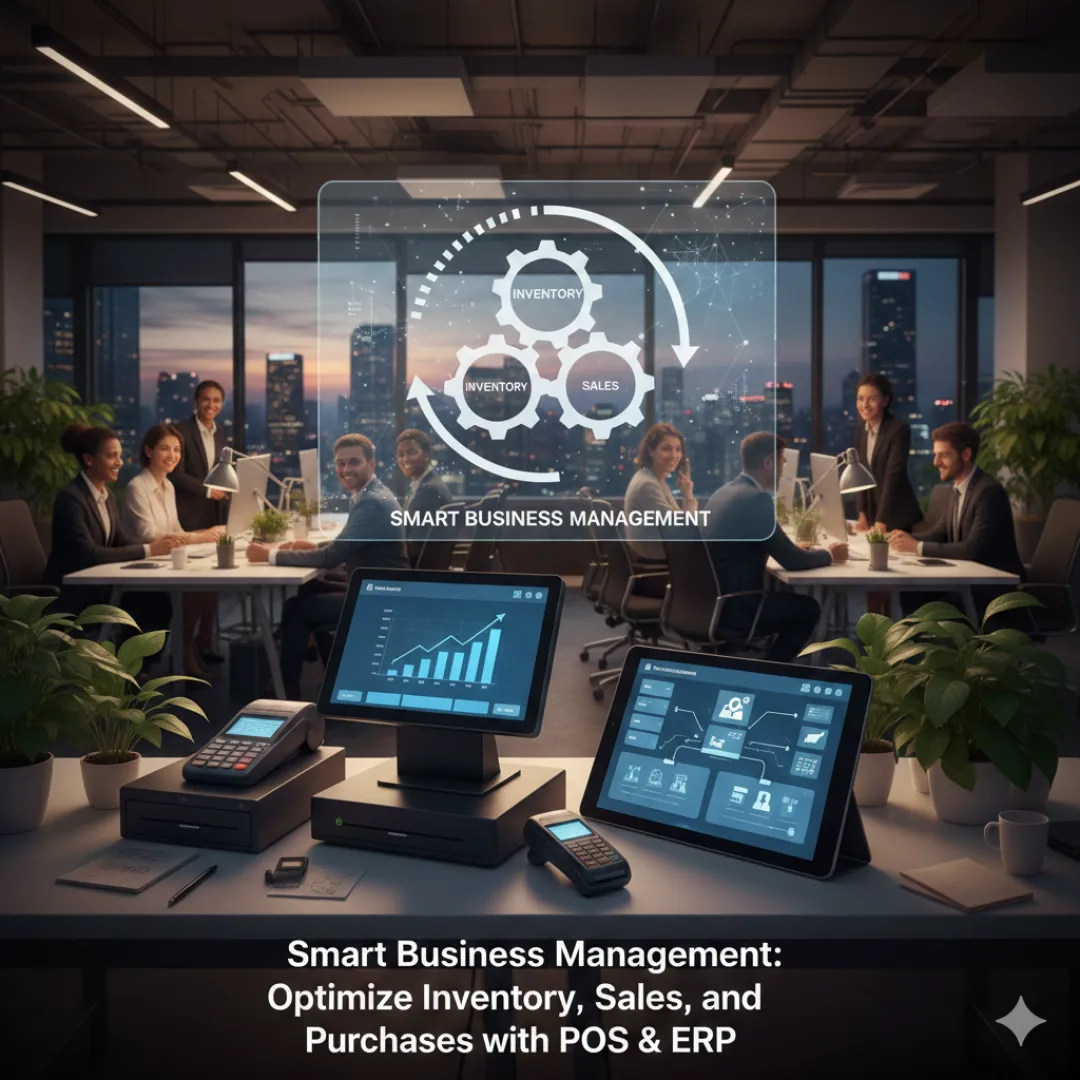
- Inventory & Stock
- Sales Management
- Purchases Management
- Invoices & Accounting
- Reports & Analytics
- Smart Integration: POS & ERP
- Smart Automation in Business
- Tips to Maximize Value from Smart Systems
- Conclusion
Inventory & Stock Management
Managing inventory is more than knowing what is in the warehouse. It includes tracking stock levels, monitoring incoming items and sales, and ensuring products are available without overstocking or stockouts.
- Prevent running out of essential products.
- Reduce excess storage costs.
- Improve customer satisfaction.
- Support decision-making with accurate data.
Sales Management
Recording every sale and issuing an accurate invoice makes it easier to track sales and analyze performance.
- Automatically update stock with every sale.
- Provide accurate data on best-selling products.
- Support marketing strategies.
- Generate periodic reports.
Purchases Management
Managing purchases ensures products are available without unnecessary overstocking. Ordering is directly linked to inventory and stock levels.
- Plan purchases based on historical data.
- Link purchase orders to inventory levels to avoid stockouts.
- Analyze suppliers and quality.
- Integrate an ERP system to simplify purchases management.
Invoices & Accounting
Invoices (invoice) document all sales and purchase operations and help produce accurate reports.
- Track financial transactions.
- Link invoices to inventory and sales.
- Reduce manual errors.
- Provide accurate data for financial reporting.
Reports & Analytics
Accurate reports help you make sound strategic decisions.
- Inventory reports: track stock levels.
- Sales reports: understand product performance.
- Purchases reports: analyze suppliers and costs.
- Financial reports: analyze revenue and expenses.
Smart Integration: POS & ERP
Using POS and ERP together provides one integrated platform to manage all aspects of the business.
- Real-time inventory updates.
- Automated reports.
- Automated sales and purchases workflows.
- Better customer experience and staff management.
Smart Automation in Business
- Update inventory with every sale or purchase.
- Create invoice automatically.
- Send periodic reports to management.
- Analyze customer data to deliver personalized offers.
Tips to Maximize Value from Smart Systems
- Train employees on the system.
- Monitor inventory regularly.
- Analyze sales and purchases data.
- Forecast demand to improve the inventory cycle.
- Connect all financial operations to simplify reports.
Conclusion
Managing inventory, stock, sales, purchases, invoice, and reports using smart POS and ERP systems (smart system) is essential for any company aiming to succeed. These systems ensure data accuracy, reduce errors, improve customer service, and increase profits over the long term.