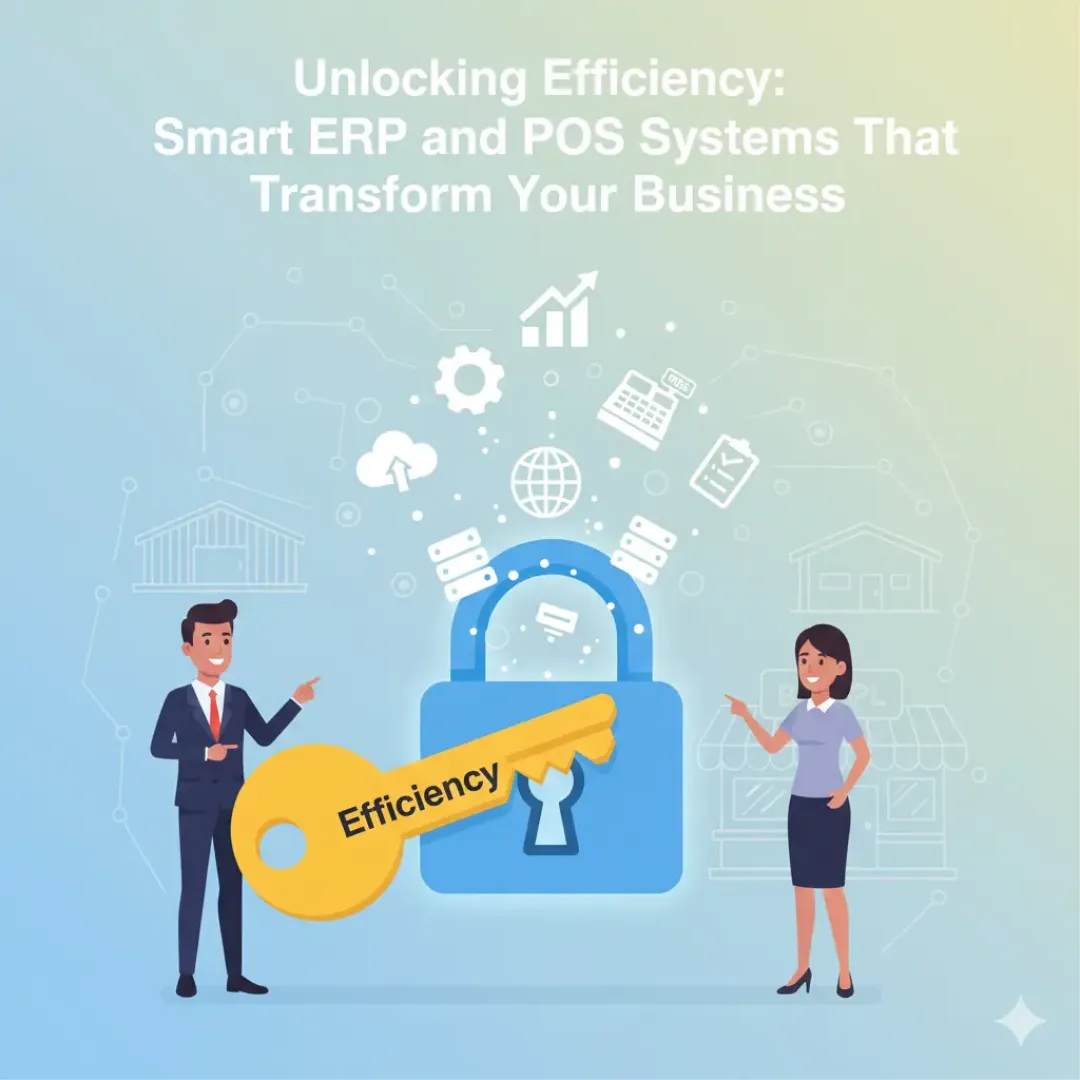
If you’re juggling inventory, managing sales, and trying to keep purchases and accounting organized, you’re not alone. Many growing businesses reach a point where spreadsheets and disconnected tools simply can’t keep up. In this article, we’ll look at how a smart ERP system combined with a modern POS system (especially an all-in-one setup that connects mohaaseb (accounting) with inventory, sales, and purchases) can simplify operations and give you real-time control.
- What Smart ERP and POS Mean
- Why ERP + POS Integration Is a Game-Changer
- Key Benefits for Small and Growing Businesses
- What to Look For in a Smart ERP POS System
- Final Thoughts
What Smart ERP and POS Mean
ERP (Enterprise Resource Planning) helps you manage the back-office side of your business: inventory, purchasing, accounting, expenses, reporting, and more. A POS (Point of Sale) helps you run the front line: billing customers, accepting payments, and recording transactions.
A smart ERP + POS setup connects both sides so the moment you sell an item, the system can update your stock, accounting records, and reports automatically—without extra work.
Why ERP + POS Integration Is a Game-Changer
Running a business can feel like balancing on a high wire: a small mistake in inventory, pricing, or accounting can quickly turn into lost money and stressful days. The advantage of modern systems is that they work together smoothly, giving you a complete view of your operations in real time.
When your accounting (mohaaseb), inventory, sales, and purchases are connected in one platform, you avoid common daily headaches like:
- Updating inventory manually after sales
- Reconciling sales totals with accounting later
- Missing purchase costs or supplier invoices
- Guessing what to reorder and when
Key Benefits for Small and Growing Businesses
Here’s why the integration matters—especially if you want to scale without losing control:
- Transparency: See what’s selling, what’s in stock, and what needs reordering—without chasing numbers.
- Accuracy: Reduce human error by automating accounting entries and inventory updates as sales happen.
- Efficiency: Spend less time reconciling data and more time improving customer service and growth.
- Flexibility: Support different business types (retail, services, multi-branch) and scale as your needs grow.
What to Look For in a Smart ERP POS System
Every business is different, but strong systems usually share the same core features. When evaluating a smart ERP and POS solution, look for:
- Real-time inventory management: stock levels update with every sale and purchase, so your numbers stay correct.
- Deep accounting (mohaaseb) integration: financial reports reflect actual transactions, not manual summaries.
- Sales analytics: identify bestsellers, slow movers, seasonal demand, and profit trends.
- User-friendly POS: fast checkout, fewer mistakes, and simple workflows for staff.
Many modern platforms also include helpful extras such as barcode scanning, cloud backups, and mobile access, which add speed and reduce risk.
Final Thoughts
Investing in a smart ERP and POS system isn’t just a technology upgrade—it’s an upgrade to how your business operates. When inventory, sales, purchases, and accounting all talk to each other, you gain clarity, control, and time back to focus on what matters: growing your business and delighting your customers.
Next week, we’ll explore standout tools and platforms businesses love for ease of use and strong features. Until then, take a quick look at your current workflow and note where smart automation could save you time.
Thanks for stopping by—here’s to working smarter, not harder!